

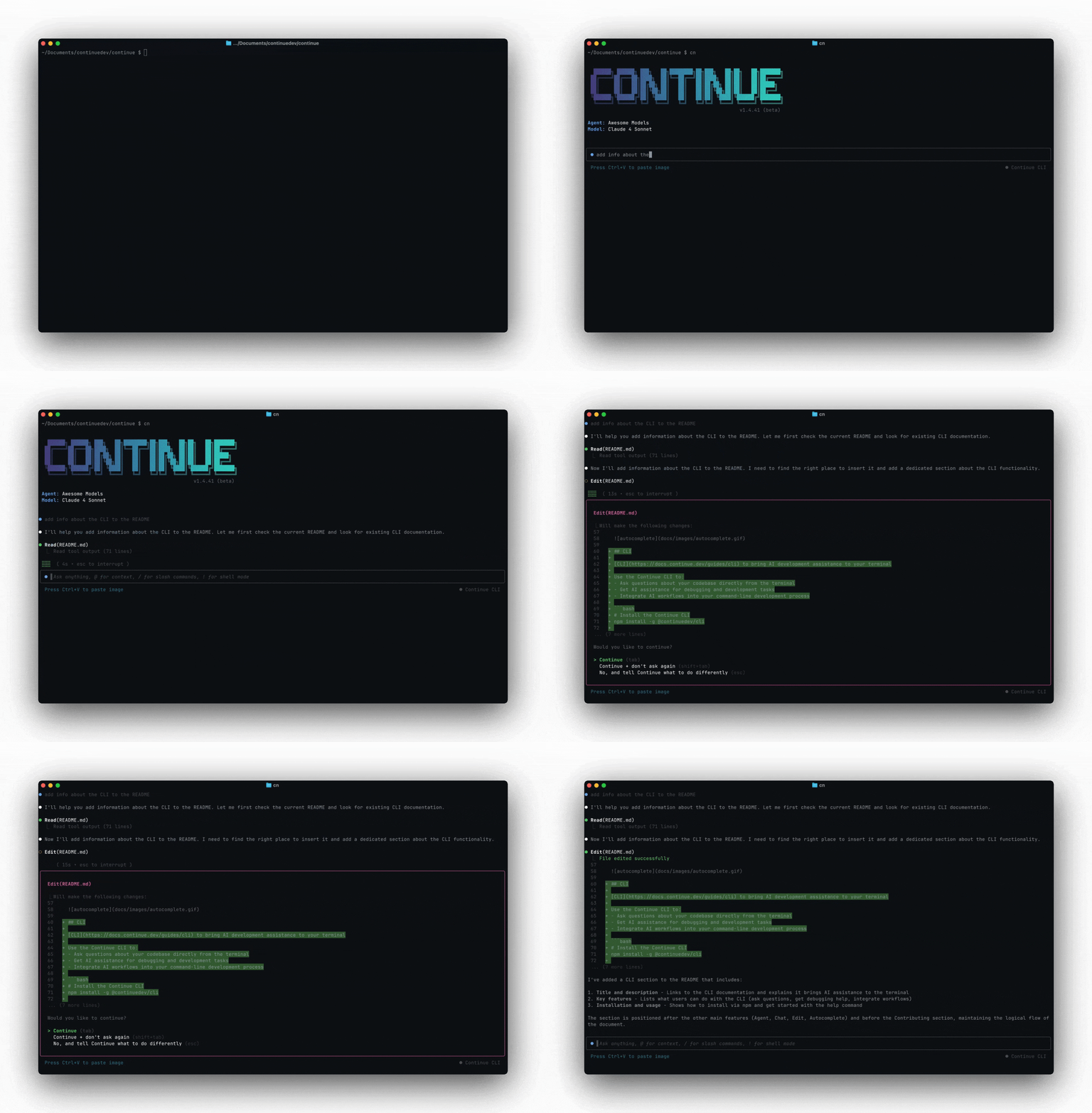
Get started in 30 seconds
Prerequisites:- Node.js 18 or newer
- A Gobi Hub account (recommended) or local configuration
npm
Two Ways to Use Gobi CLI
Gobi CLI offers two distinct modes designed for different workflows:TUI Mode: Interactive Development
Perfect for exploration, debugging, and iterating on AI workflows- Interactive conversations with your codebase
- Iterate and refine prompts and approaches
- Explore and understand complex codebases
- Perfect for experimentation and learning
Headless Mode: Production Automation
Perfect for CI/CD, automation, and reliable workflows- Single-command execution for automation
- Reliable, repeatable results for production use
- CI/CD and pipeline integration
- Git hooks and automated workflows
Development Workflow: TUI → Headless
- Experiment in TUI mode to perfect your agent
- Test different approaches interactively until you get consistent results
- Convert successful workflows to automated Continuous AI commands
- Deploy in production with confidence in your proven approach
Why developers love Gobi CLI
- Works in your terminal: Not another chat window. Not another IDE. Gobi CLI meets you where you already work, with the tools you already love.
- Takes action: Gobi CLI can directly edit files, run commands, and create commits. Need more? Check out our MCPs.
- Automate tasks: Create issues from PostHog data, automatically assign labels to issues, and more. Do all this in a single command from your developer machines, or automatically in CI.
- Flexible development flow: Start interactive, then automate proven workflows.
Key Capabilities
Context Engineering
- Use
@to reference files and provide context - Use
/to run slash commands for specific tasks - Access the same context providers as IDE extensions
Tool Integration
- File editing and creation
- Terminal command execution
- Codebase understanding and analysis
- Git integration
- Web search and documentation access
Model Flexibility
- Switch between models with
/modelcommand - Use any model configured in your
config.yaml - Access Gobi Hub models and configurations
Gobi Hub Integration
Gobi CLI integrates seamlessly with Gobi Hub for:API Access
Get an API key for automation workflows:- Visit Gobi Hub API Keys
- Create a new API key
- Use with
cn loginor in your automation scripts
Secrets Management
Store secure credentials for CLI workflows:- Visit Gobi Hub Secrets
- Add your API keys and sensitive data
- Reference in configurations with
${{ secrets.SECRET_NAME }}
Configuration Sync
- Cloud-managed configurations automatically sync
- Share configurations across team members
- Version control for your AI workflows
Common Use Cases
TUI Mode Examples
Interactive development and exploration:Headless Mode Examples
Production automation and scripting:Next steps
CLI Quickstart
Learn basic commands and common workflows
Installation Guide
Install Gobi CLI and set up your environment
CLI Workflows
Task-specific tutorials and examples