

- Chat: Power conversational interactions about code and provide detailed guidance
- Edit: Handle complex code transformations and refactoring tasks
- Apply: Execute targeted code modifications with high accuracy
- Autocomplete: Provide real-time suggestions as developers type
- Embedding: Transform code into vector representations for semantic search
- Reranker: Improve search relevance by ordering results based on semantic meaning
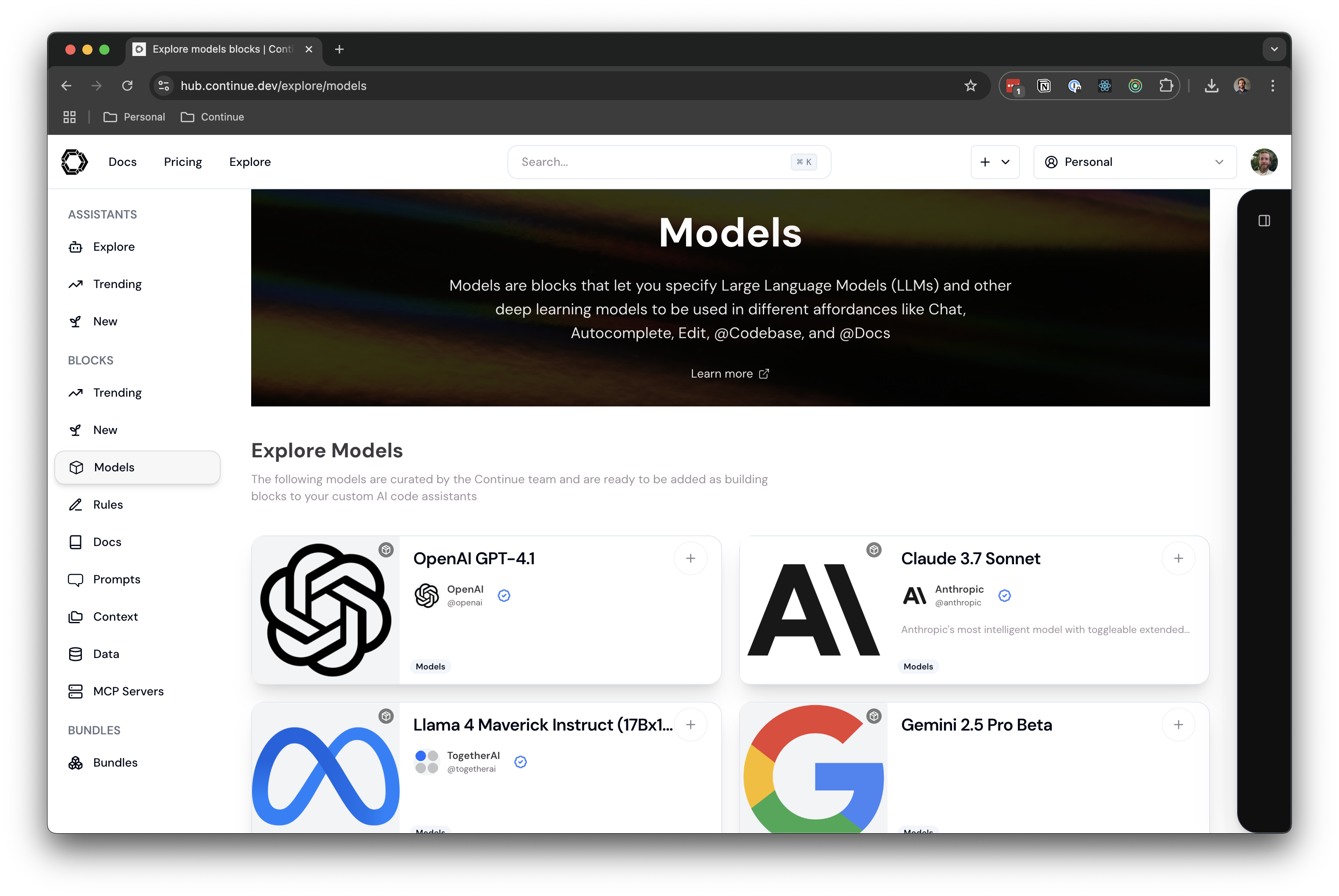
Recommended Models
Best Models by Role
Learn More About Models
Gobi supports many model providers, including Anthropic, OpenAI, Gemini, Ollama, Amazon Bedrock, Azure, xAI, and more. Models can have various roles likechat, edit, apply, autocomplete, embed, and rerank.
Read more about model roles, model capabilities and view models in the YAML Reference.
Example Model Setup Instructions
Frontier Models
Claude 4 Sonnet from Anthropic- Get your API key from Anthropic
- Add Claude 4 Sonnet to a config on Gobi Hub
- Add
ANTHROPIC_API_KEYas a User Secret on Gobi Hub here - Click
Reload configin the config selector in the Gobi IDE extension
- Get your API key from OpenRouter
- Add Qwen Coder 3 480B a config on Gobi Hub
- Add
OPENROUTER_API_KEYas a User Secret on Gobi Hub here - Click
Reload configin the config selector in the Gobi IDE extension
- Get your API key from OpenAI
- Add GPT-5 a config on Gobi Hub
- Add
OPENAI_API_KEYas a User Secret on Gobi Hub here - Click
Reload configin the config selector in the Gobi IDE extension
- Get your API key from OpenRouter
- Add Kimi K2 a config on Gobi Hub
- Add
OPENROUTER_API_KEYas a User Secret on Gobi Hub here - Click
Reload configin the config selector in the Gobi IDE extension
- Get your API key from Google AI Studio
- Add Gemini 2.5 Pro a config on Gobi Hub
- Add
GEMINI_API_KEYas a User Secret on Gobi Hub here - Click
Reload configin the config selector in the Gobi IDE extension
- Get your API key from xAI
- Add Grok Code Fast 1 a config on Gobi Hub
- Add
XAI_API_KEYas a User Secret on Gobi Hub here - Click
Reload configin the config selector in the Gobi IDE extension
- Get your API key from Mistral AI
- Add Devstral Medium a config on Gobi Hub
- Add
MISTRAL_API_KEYas a User Secret on Gobi Hub here - Click
Reload configin the config selector in the Gobi IDE extension
- Get your API key from OpenRouter
- Add gpt-oss-120b a config on Gobi Hub
- Add
OPENROUTER_API_KEYas a User Secret on Gobi Hub here - Click
Reload configin the config selector in the Gobi IDE extension
Local Models
These models can be run on your computer if you have enough VRAM. Their limited tool calling and reasoning capabilities will make it challenging to use agent mode. Qwen3 Coder 30B- Add Qwen3 Coder 30B a config on Gobi Hub
- Run the model with Ollama
- Click
Reload configin the config selector in the Gobi IDE extension
- Add gpt-oss-20b a config on Gobi Hub
- Run the model with Ollama
- Click
Reload configin the config selector in the Gobi IDE extension
- Add Devstral Small a config on Gobi Hub
- Run the model with Ollama
- Click
Reload configin the config selector in the Gobi IDE extension
- Add Qwen2.5-Coder 7B a config on Gobi Hub
- Run the model with Ollama
- Click
Reload configin the config selector in the Gobi IDE extension
- Add Gemma 3 4B a config on Gobi Hub
- Run the model with Ollama
- Click
Reload configin the config selector in the Gobi IDE extension
- Add Qwen2.5-Coder 1.5B a config on Gobi Hub
- Run the model with Ollama
- Click
Reload configin the config selector in the Gobi IDE extension