

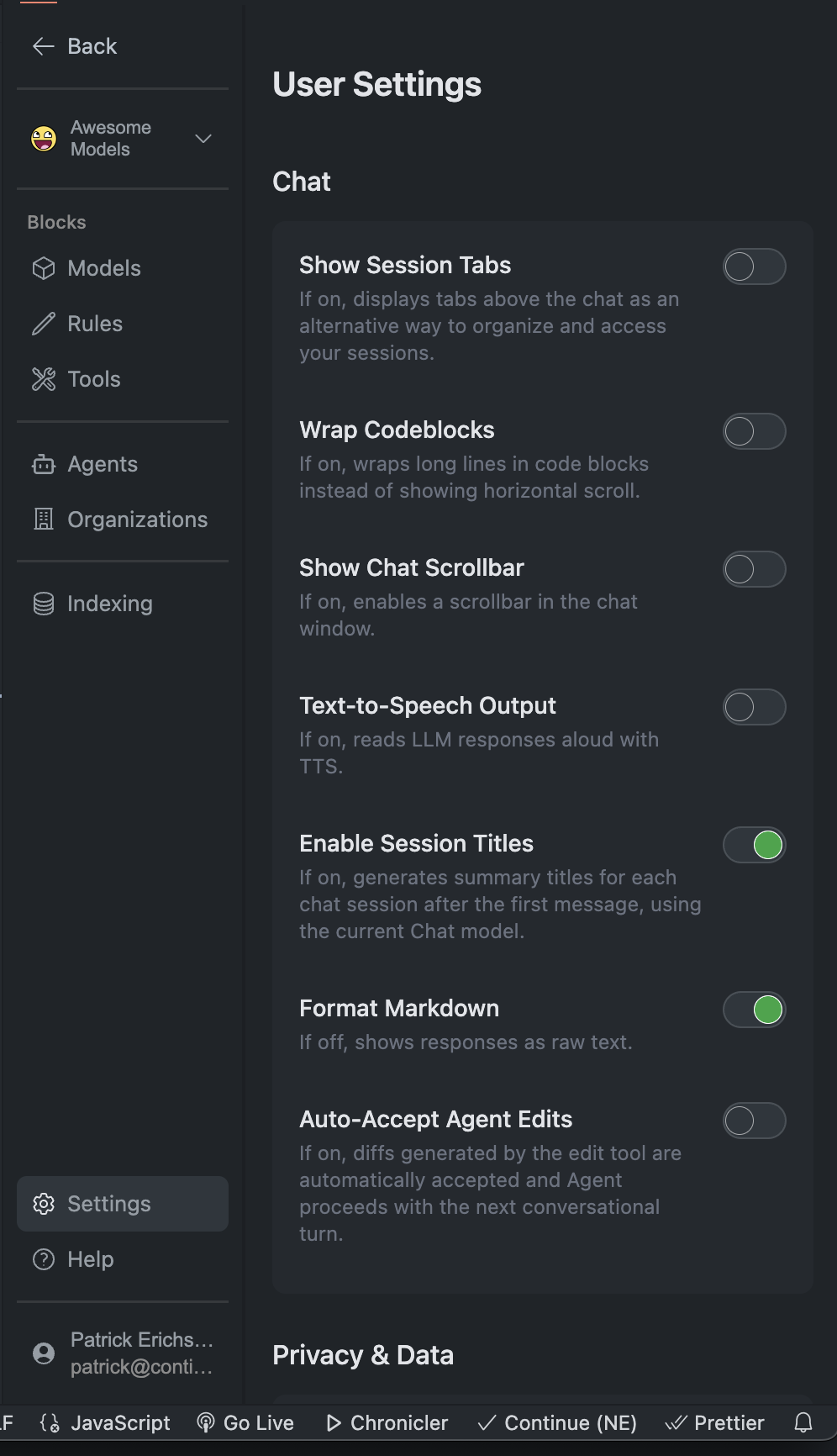
Quick Access
Settings Icon
Click the gear in the Gobi sidebar
VS Code Settings
File → Preferences → Settings → Extensions → Gobi
Config File
Edit
config.yml directly for advanced optionsCore Settings
- Interface
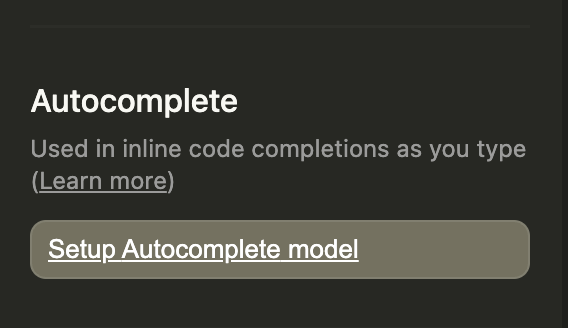
- Autocomplete
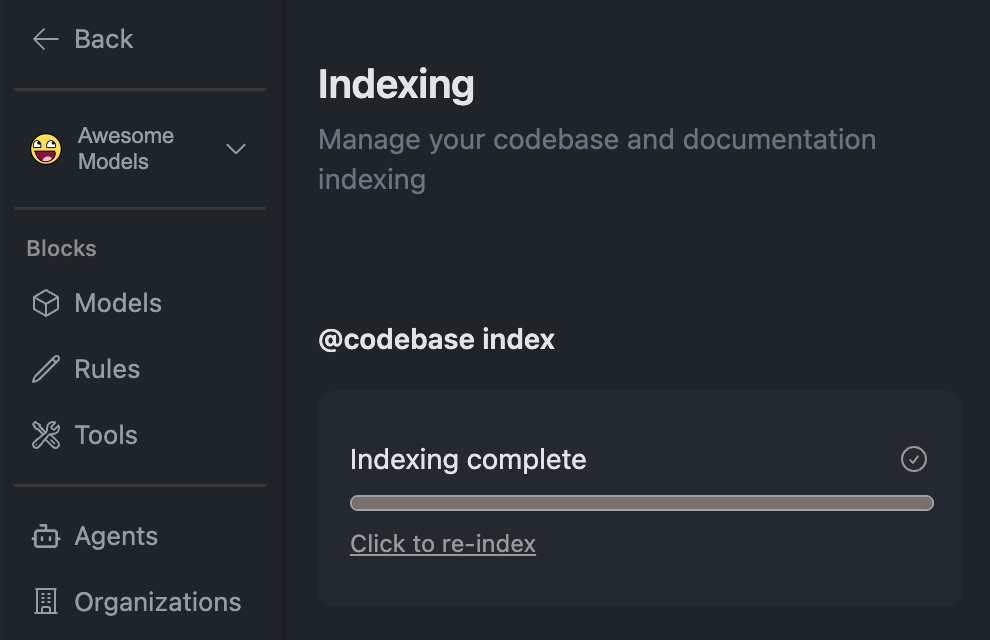
- Indexing
- Experimental
Display Options
Display Options
Behavior
Behavior
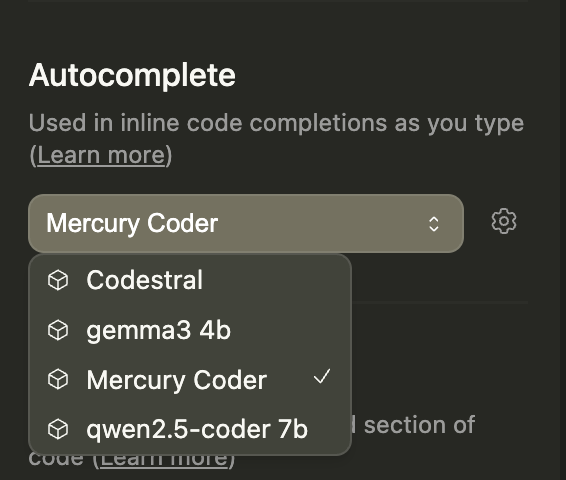
Model & Assistant Selection
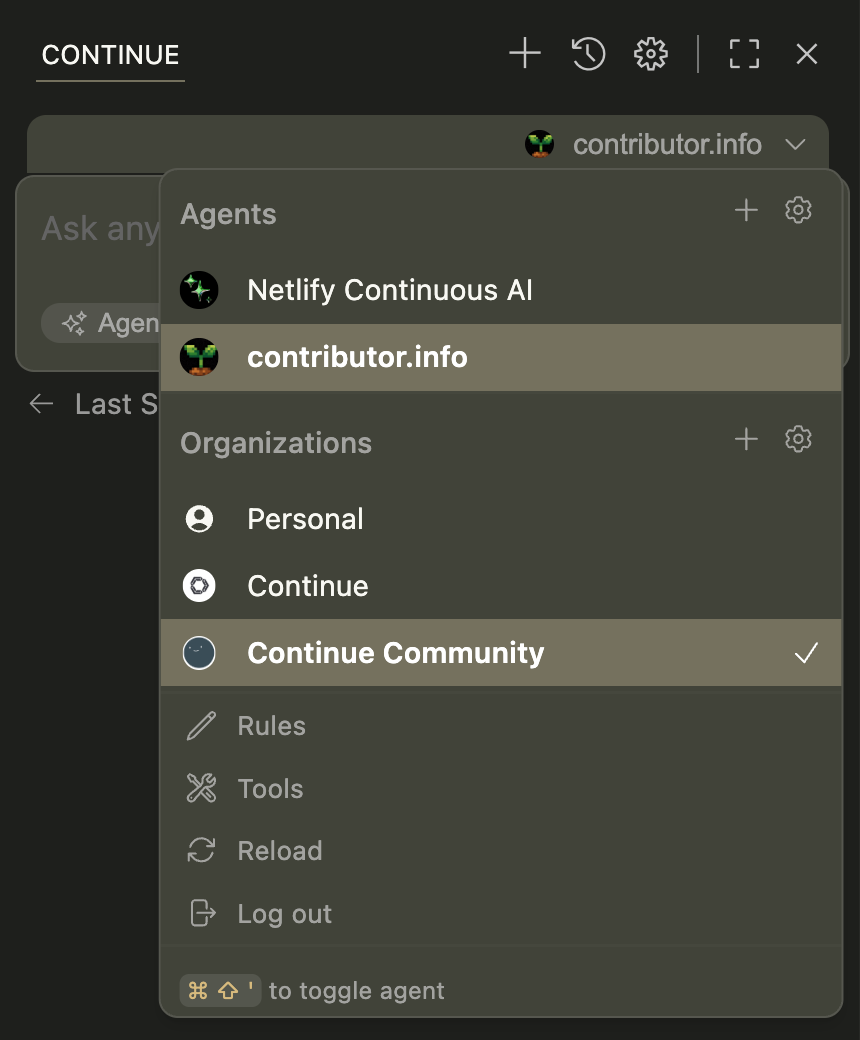
- Organization badges for easy provider identification
- Smart error handling that sorts problematic configurations while keeping them selectable
- Keyboard navigation for quick model switching
Privacy & Data
Local Processing
All code analysis happens locally unless explicitly shared
Telemetry Control
Opt in/out of anonymous usage statistics
Session Management
Sessions auto-save and restore between IDE restarts
Troubleshooting
Model Connection Issues
Model Connection Issues
- Verify API keys in
config.yml- Check network connectivity - Confirm endpoint URLs are correct
Tool Loading Failures
Tool Loading Failures
- Review MCP server configurations - Check tool permissions - Verify tool dependencies are installed
Indexing Problems
Indexing Problems
- Check file permissions
- Review
.gitignorepatterns - Verify sufficient disk space
Still having issues? Check our comprehensive troubleshooting
guide or visit the FAQs for more solutions.
Next Steps
Configure Models
Set up your AI providers
Add Tools
Extend Gobi with MCP tools
Custom Rules
Define coding preferences
Prompts
Customize AI behavior